You can include a consent checkbox question type for things like a disclaimer, waiver, terms of use, or other consent text by using the Consent Checkbox question in Additional Questions on your form.
Steps:5
StepHopper User
StepHopperhttps://www.stephopper.com/
1
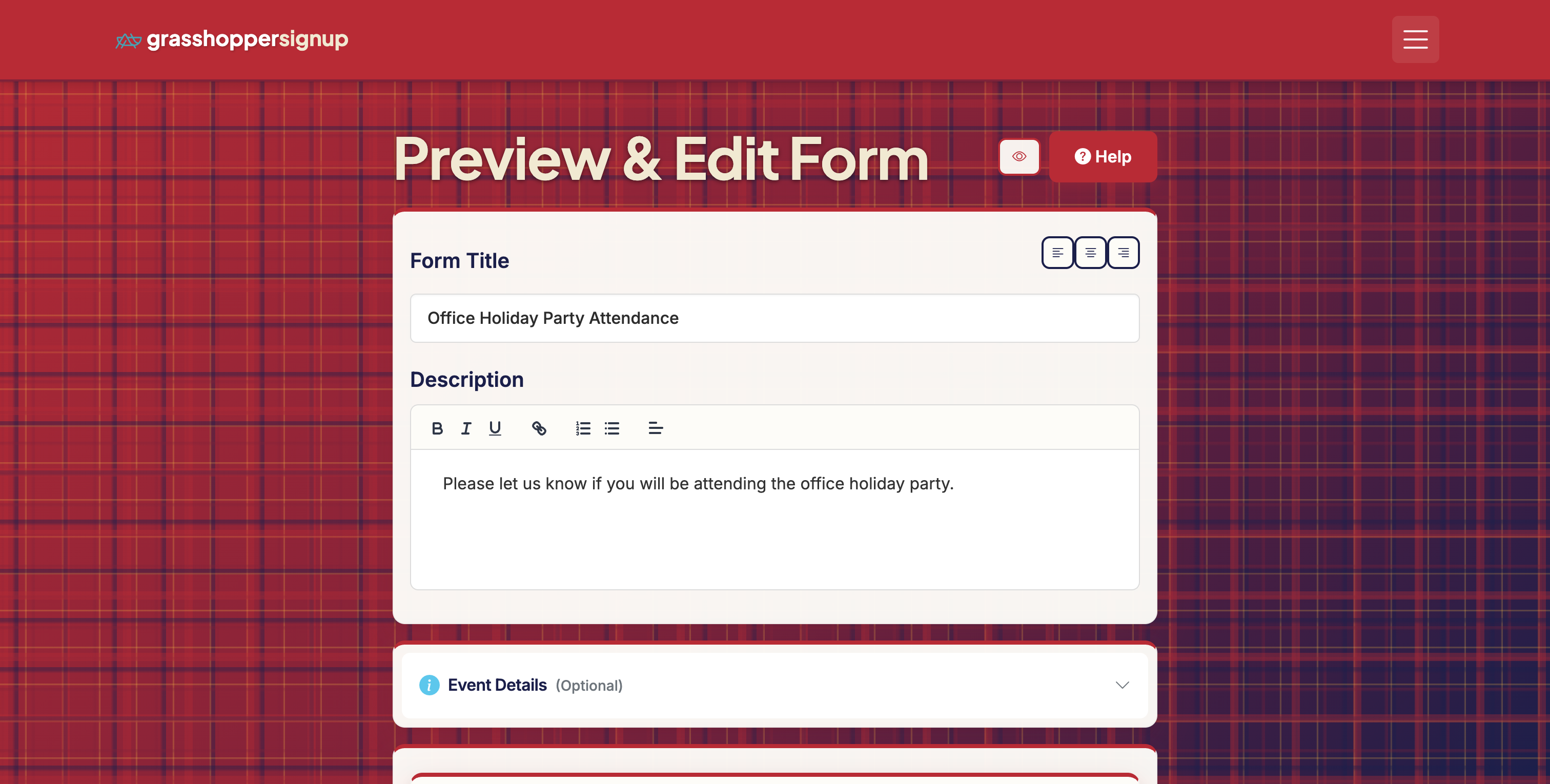
Start on the Edit page of your form.
2
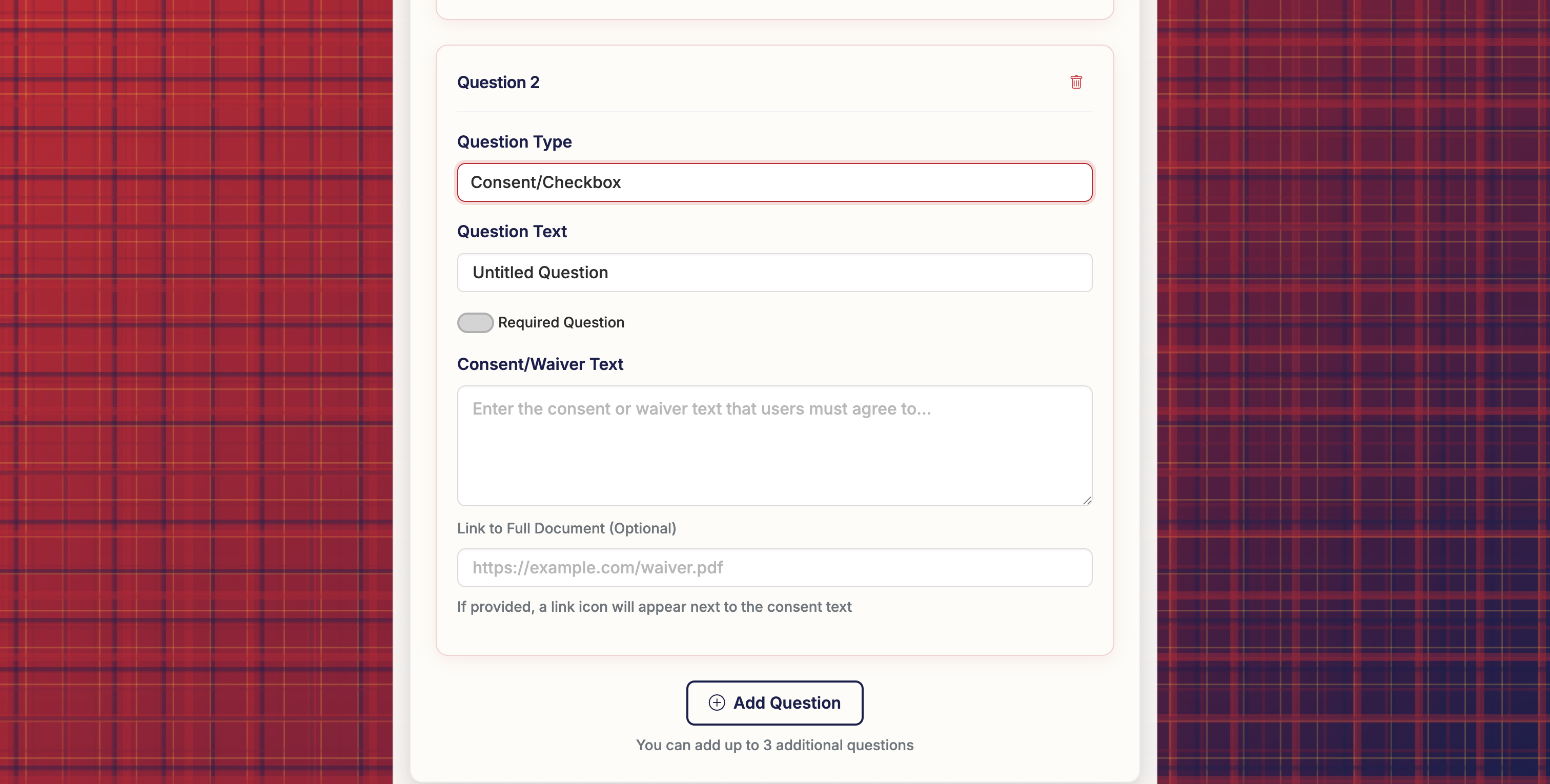
Scroll down to Section 3: Additional Questions and add a new question. In the 'Question Type' dropdown, select 'Consent/Checkbox'.
3
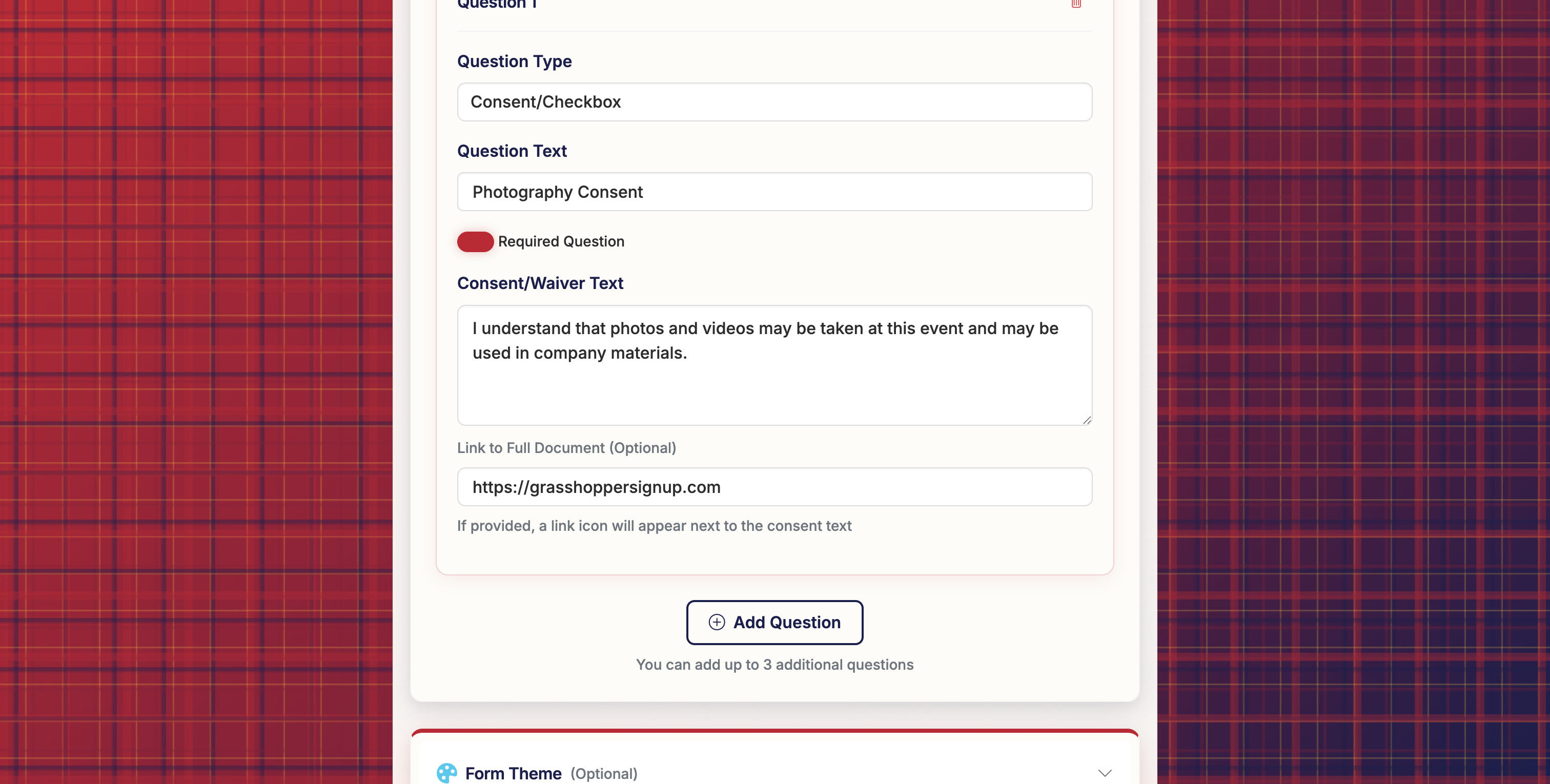
The Consent/Checkbox question type allows you to add consent/waiver text and you can also include a link. You can set the checkbox to be required to submit the form.
4
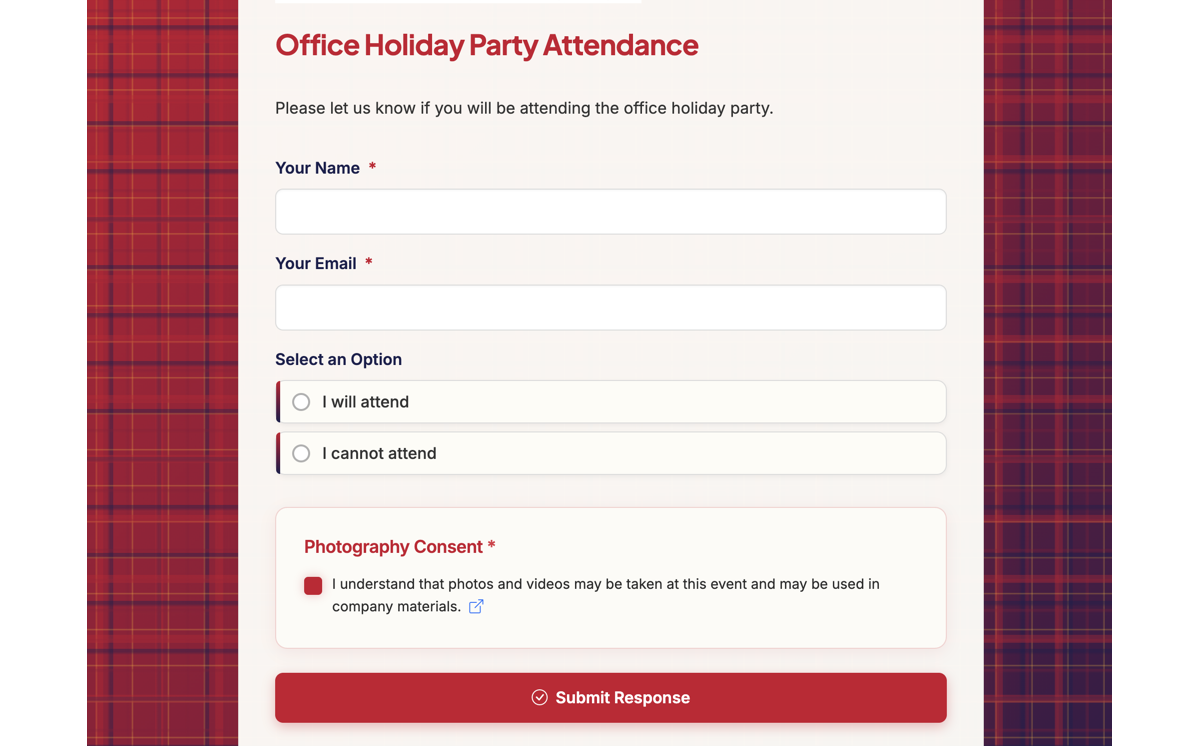
When respondents visit your form, they will see your consent statement (and link if included) and a checkbox to accept your statement. If users check the box, the check will be recorded as "True" in your Responses.
5
You can view a live form with a consent checkbox here: https://grasshoppersignup.com/respond/8d68e3f7-7caf-4a77-9ab1-2ad86b854f6a