You can create Pages that host multiple forms. Pages can be shared as a link or embedded on a website.
Steps:11
StepHopper User
StepHopperhttps://www.stephopper.com/
1
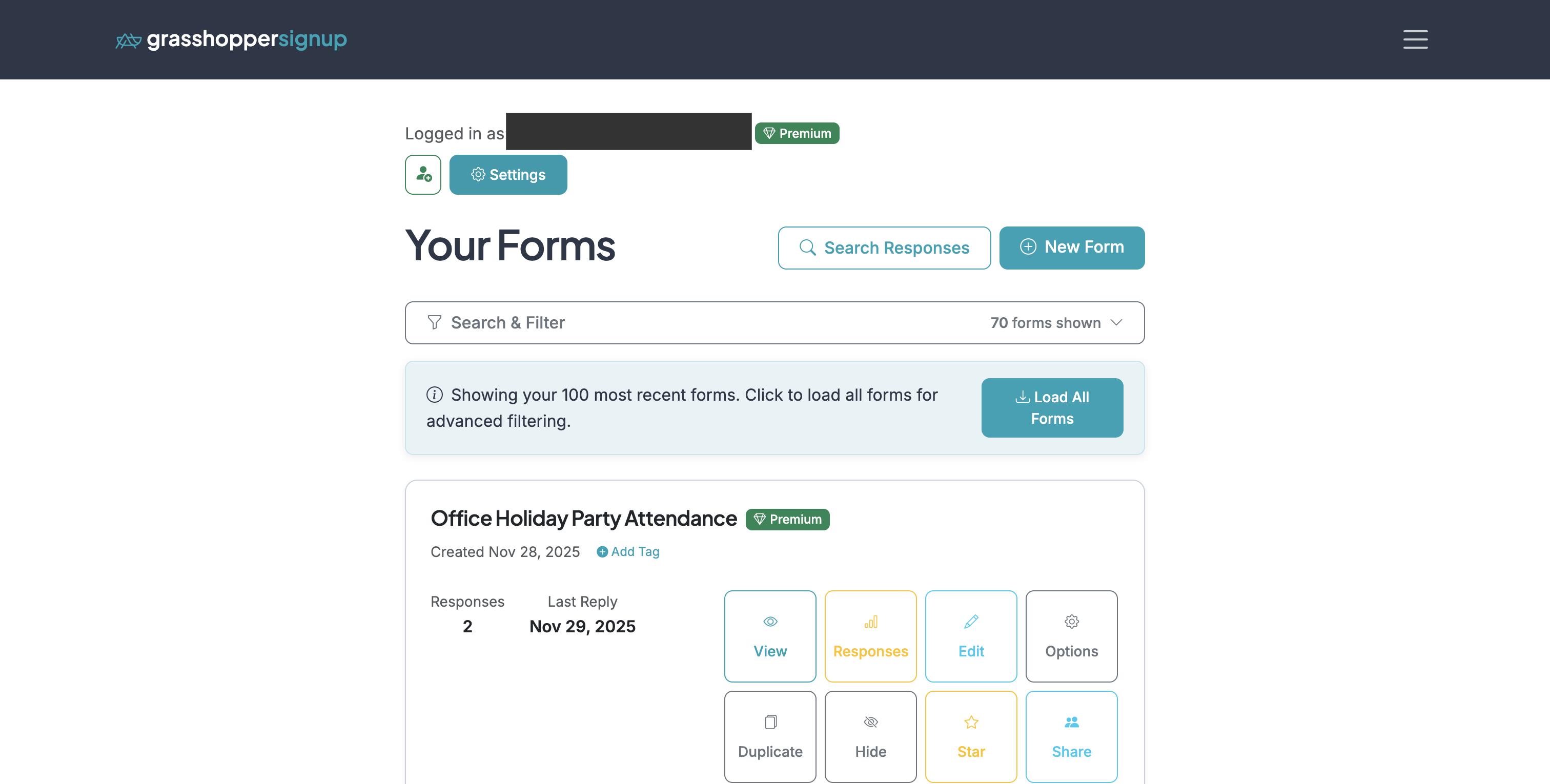
From your Dashboard, go to the 'Settings' page.
2
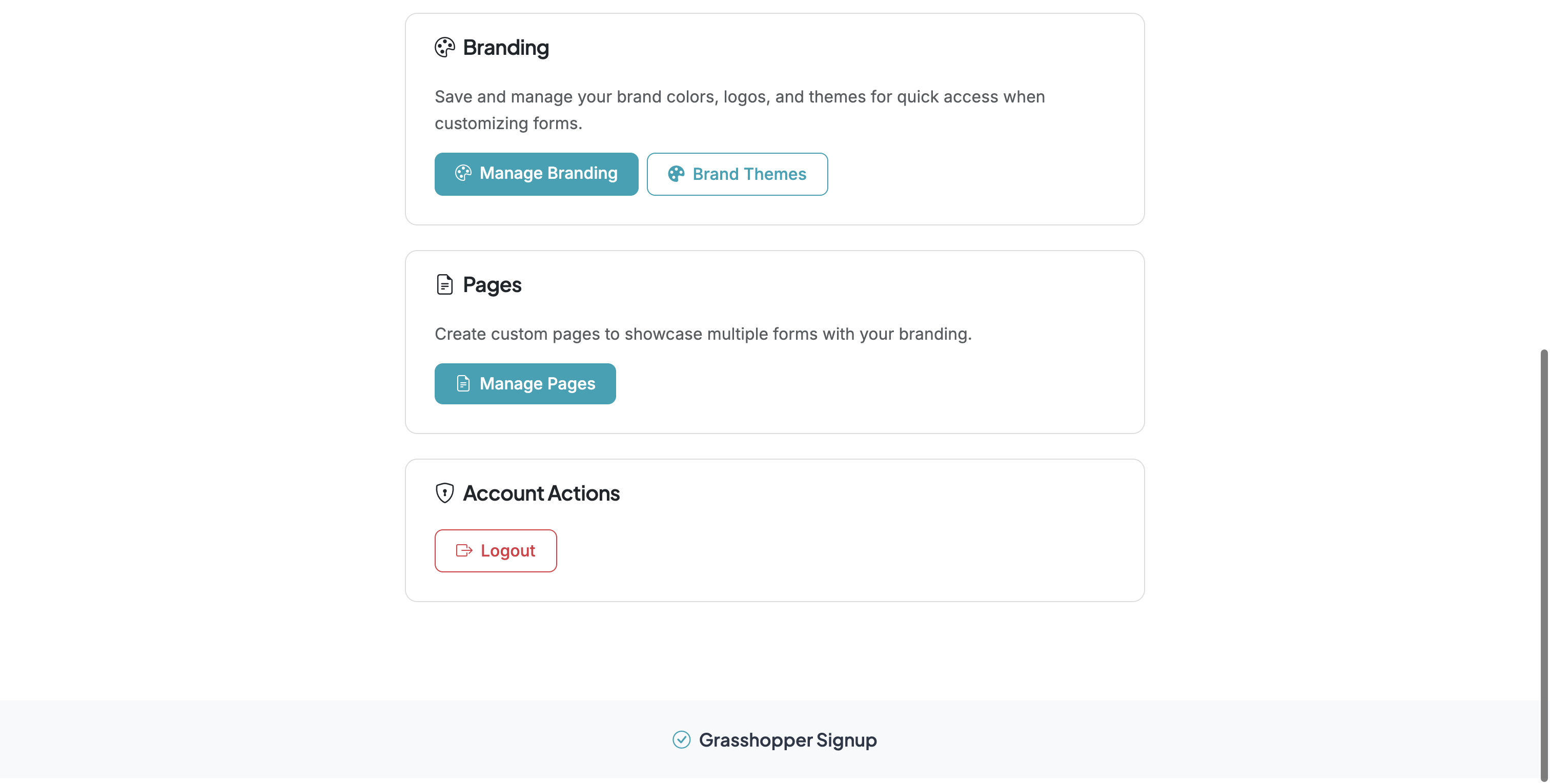
Scroll down to the 'Pages' section and select 'Manage Pages'
3
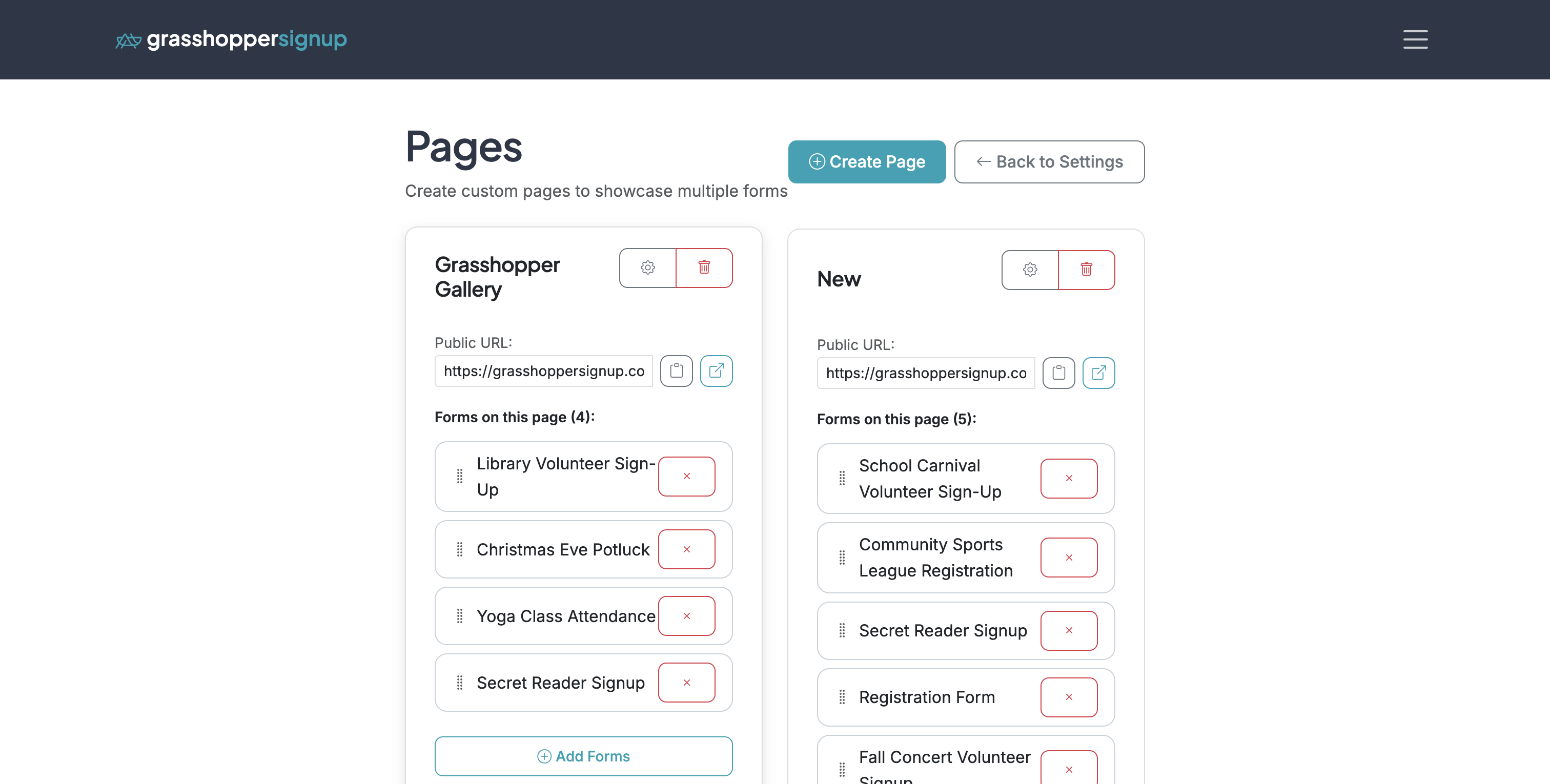
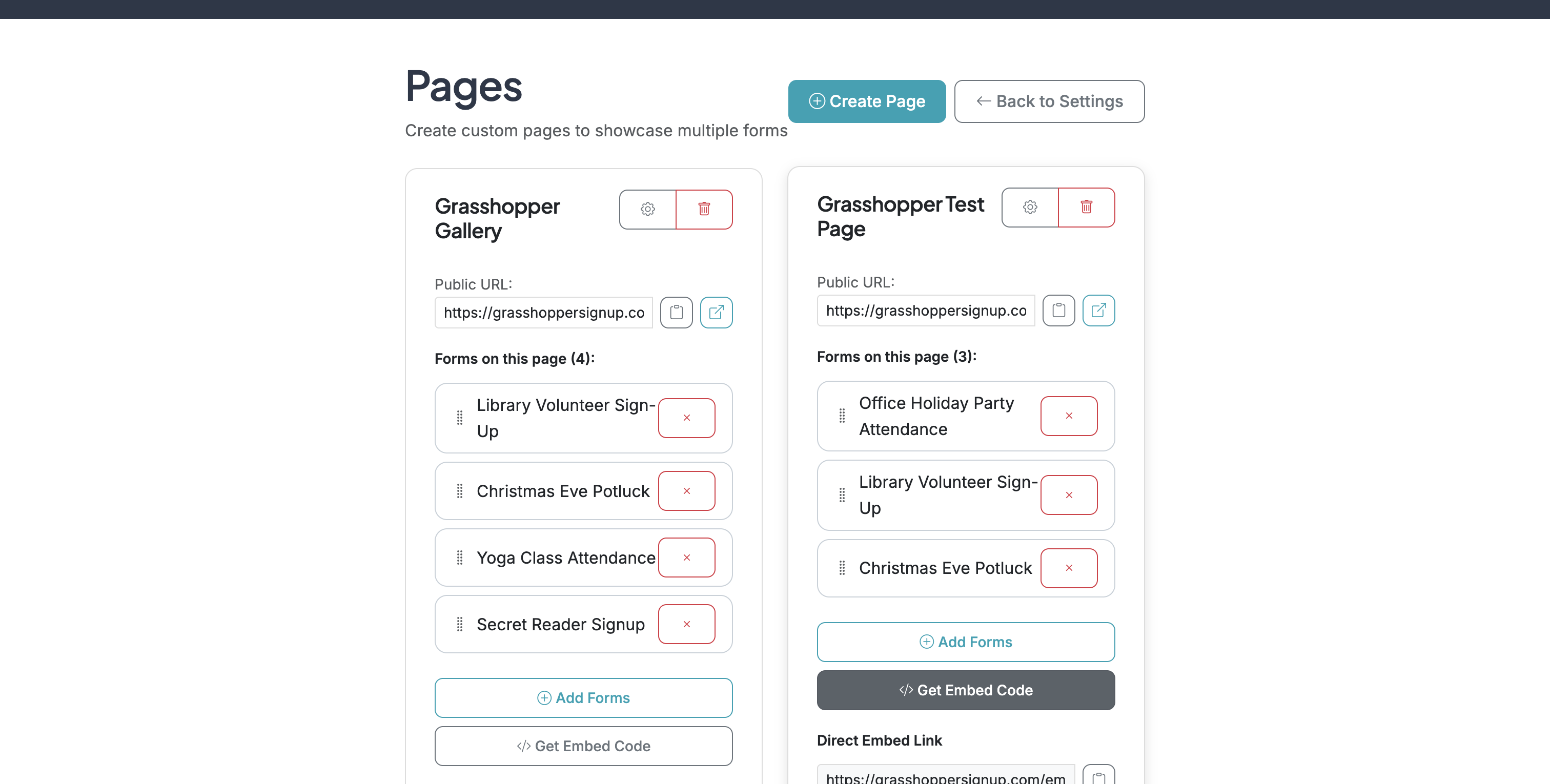
On Pages, you can manage existing Pages or create a new Page.
4
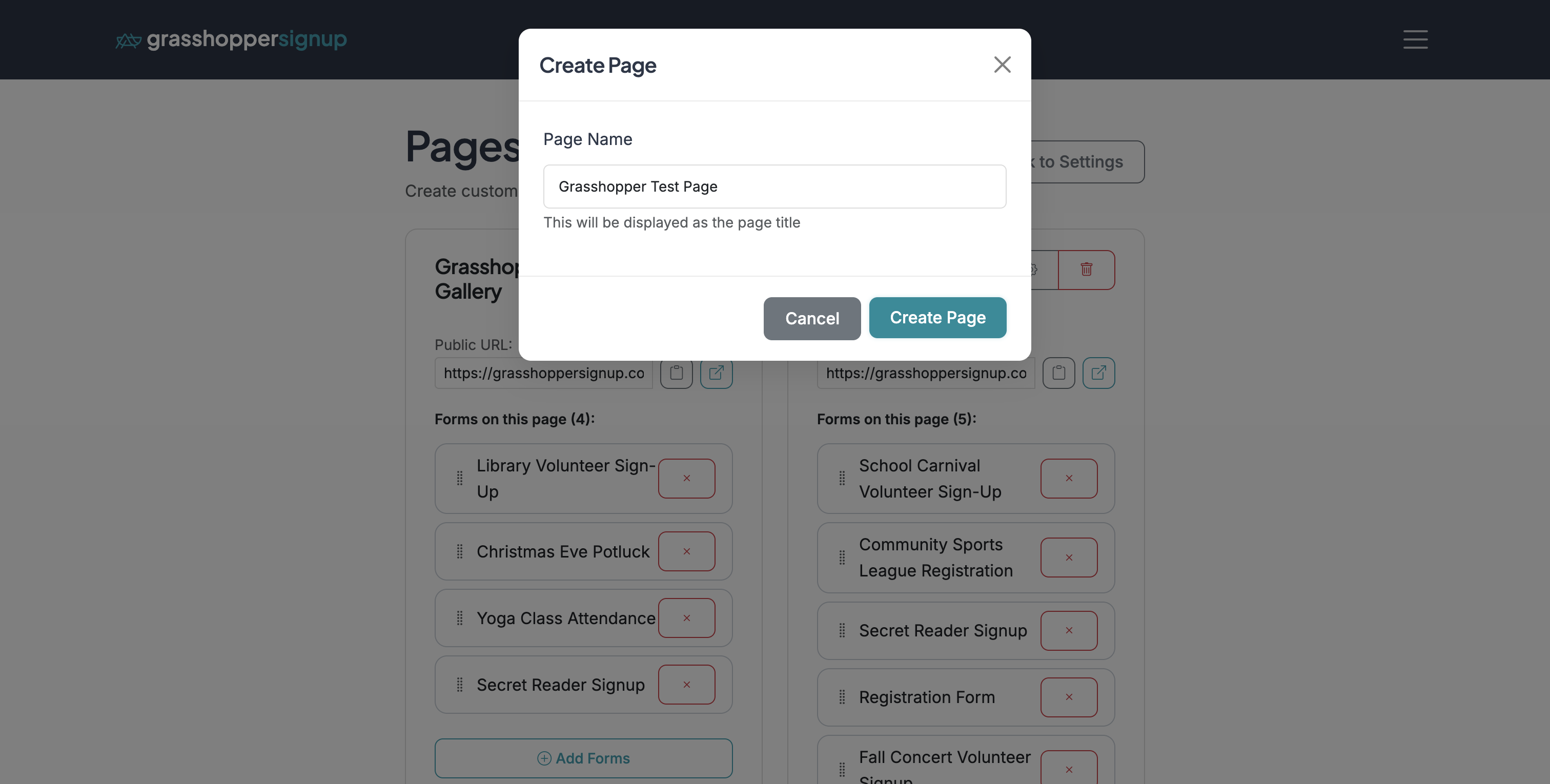
Name your page (this will be the header/title of your page).
5
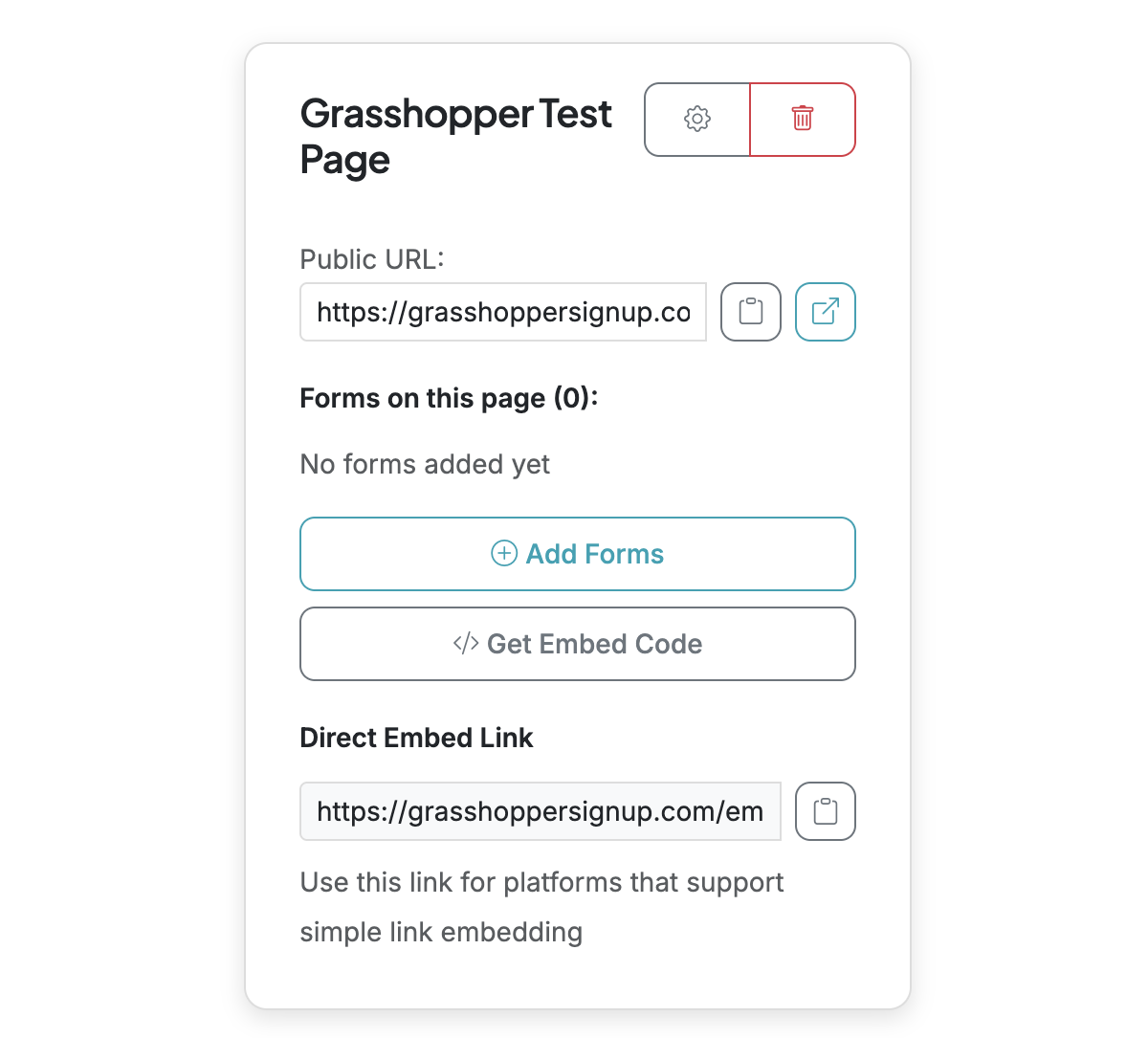
When you create a new page, you have various options to configure the page, add forms, and share the page.
6
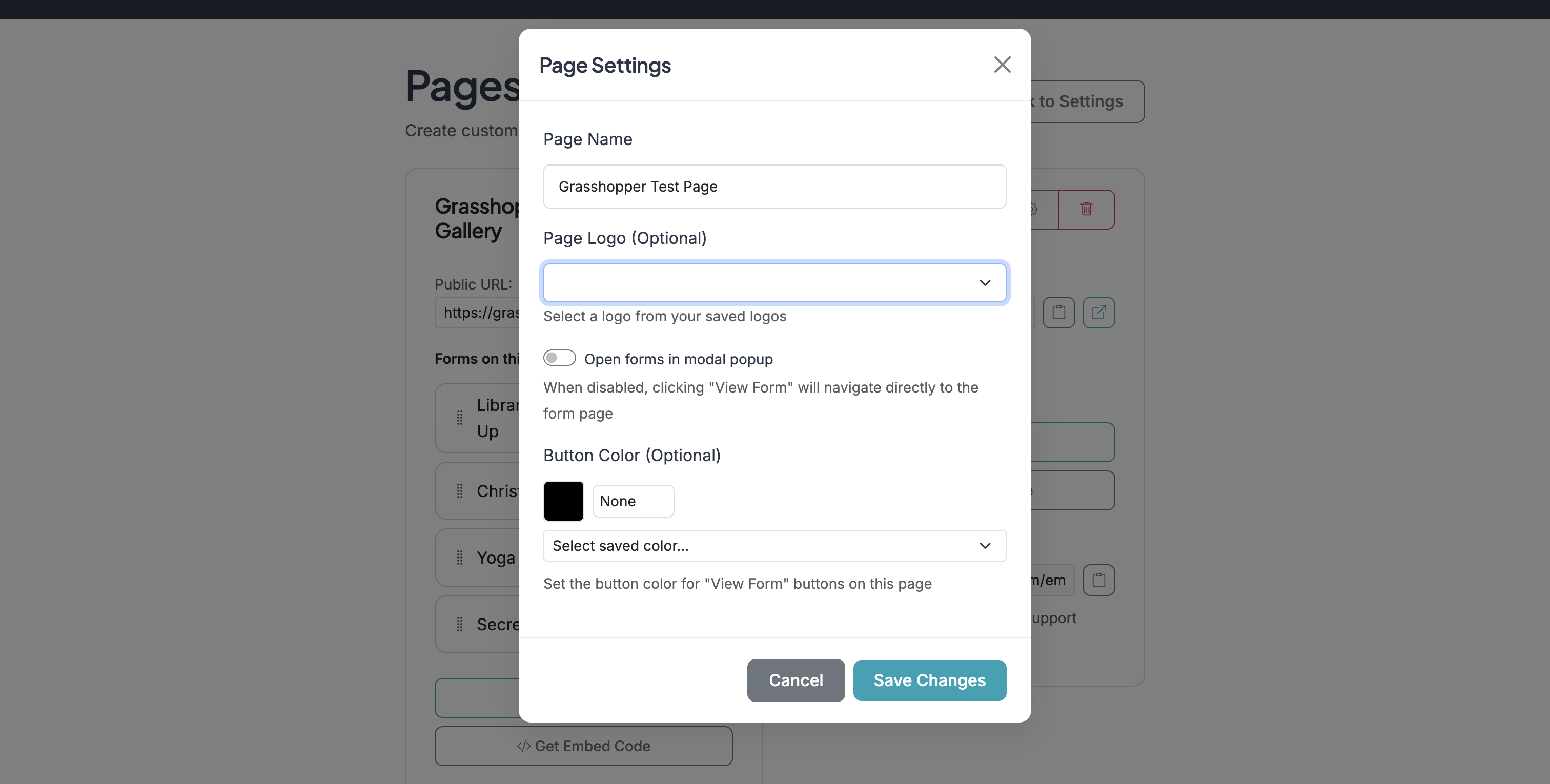
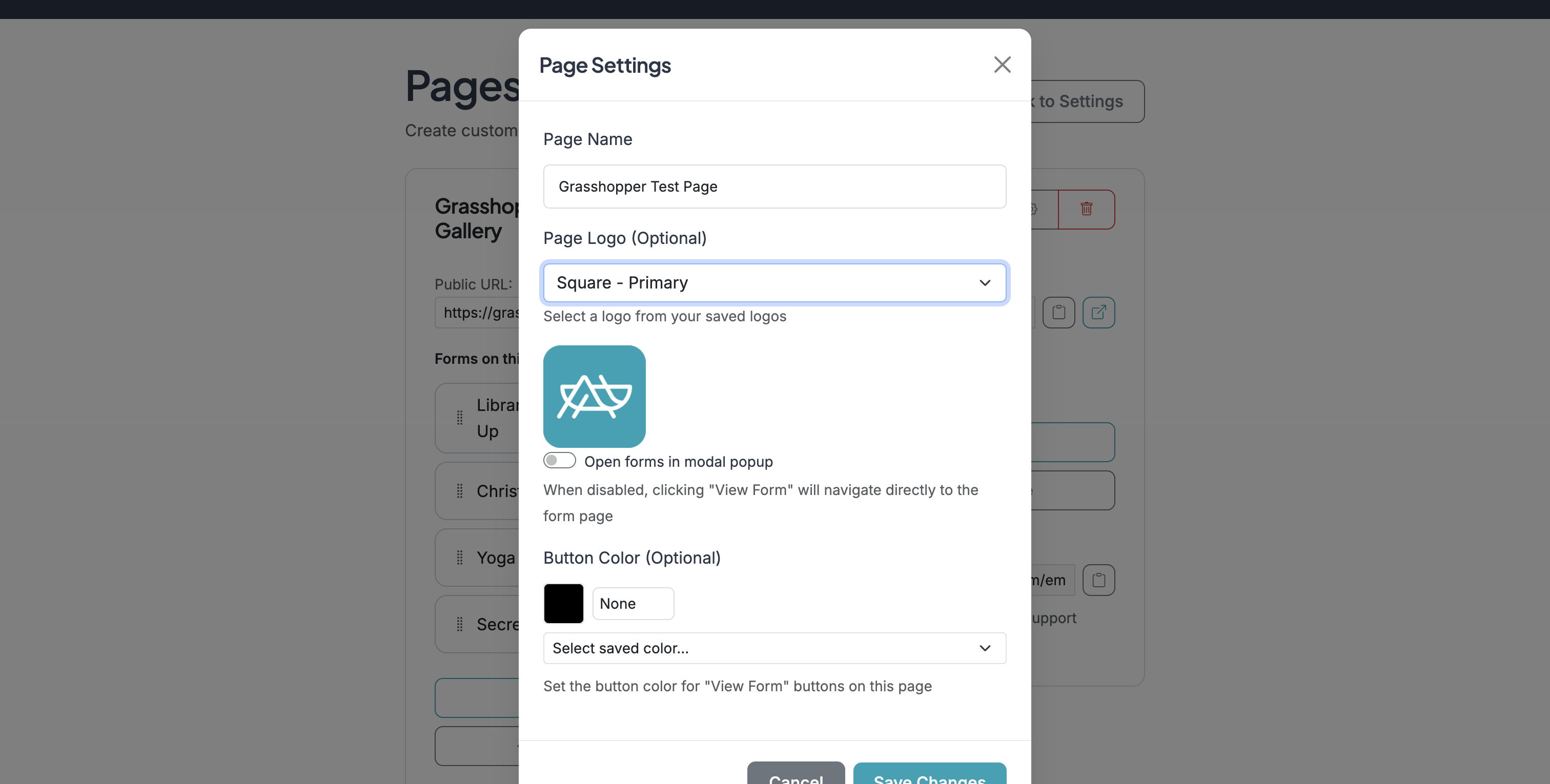
Click on 'No logoSquare - PrimaryGrassho'
7
Page Settings (gear icon) allows you to set a logo for the page using your brand logos, set the button color for forms on the page using your brand colors, and provides an option to open forms in a modal or as a new page.
8
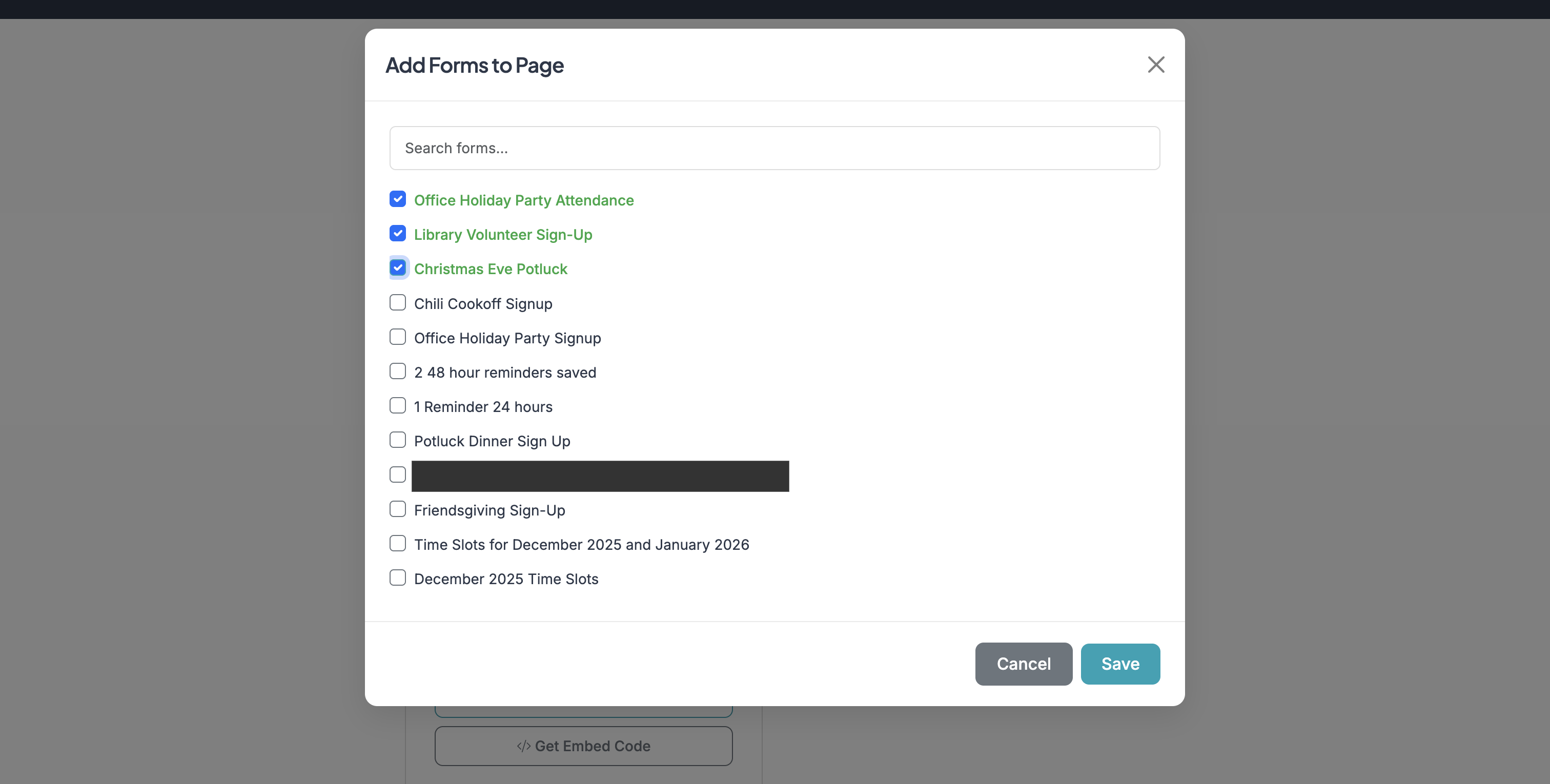
Click 'Add Forms' to add forms to your page. This will provide a list of forms from your account that you can add to a Page.
9
After you add forms, you can copy a link to your page or get the embed code for your page to embed in a website.
10
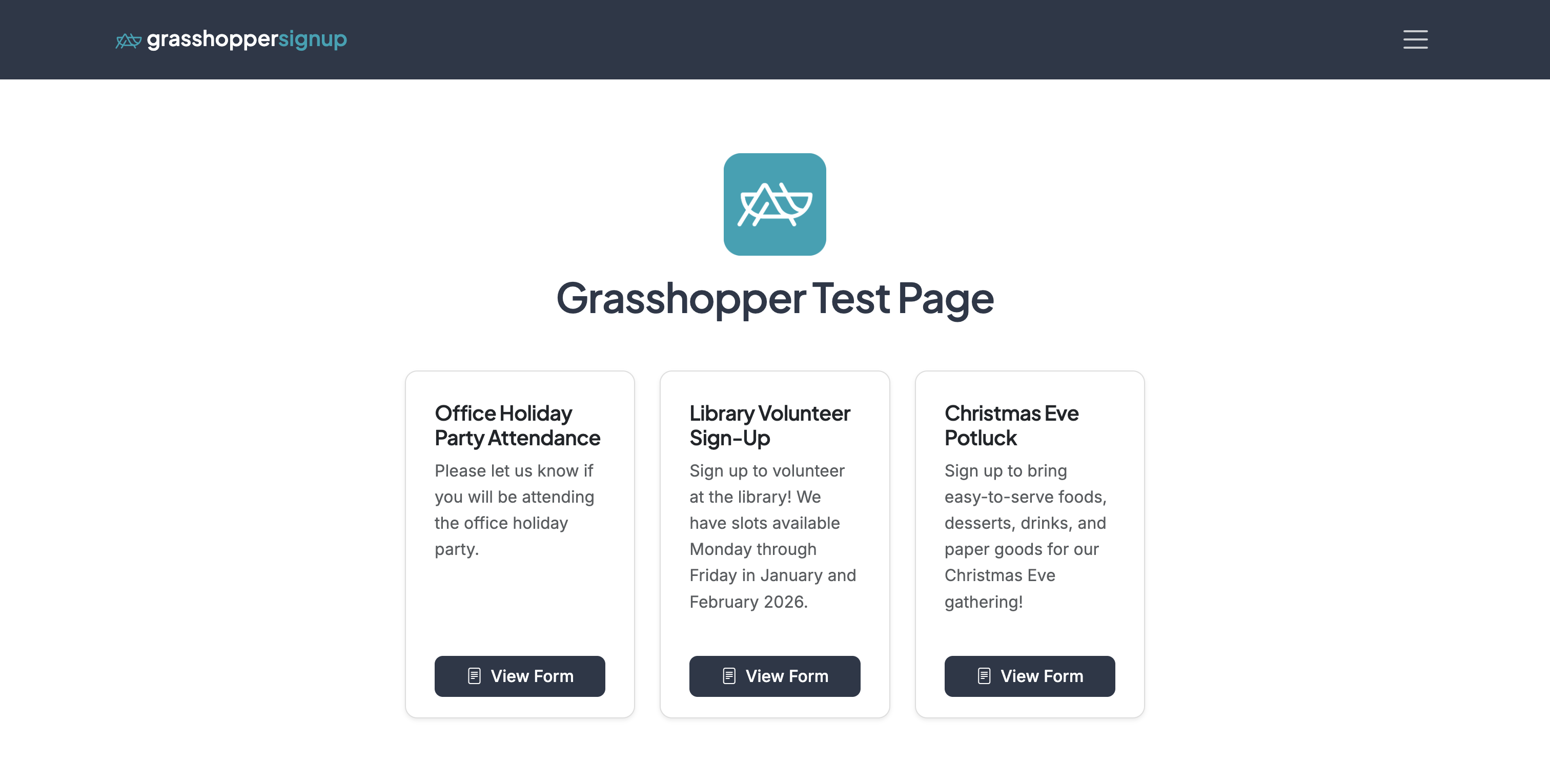
This is an example of a Page (created in the steps above) that can be shared.
11
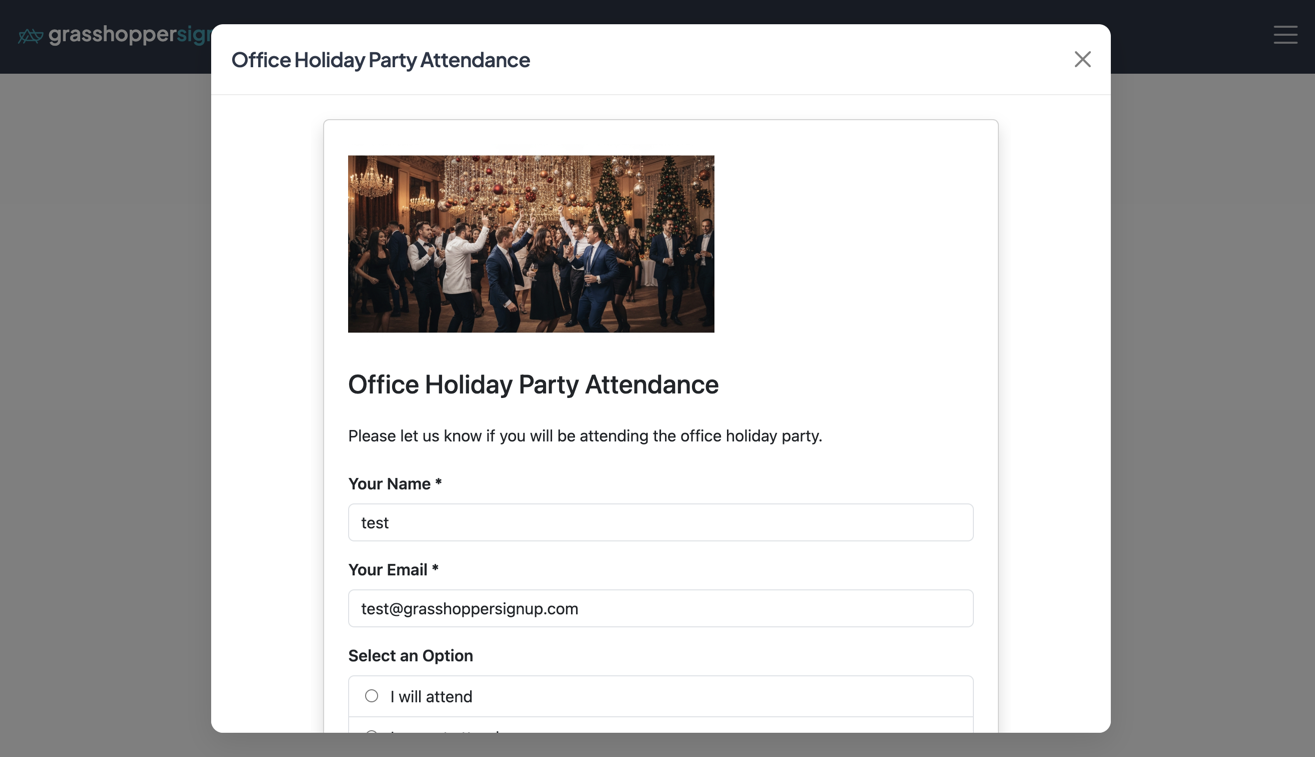
If you selected 'Open forms in modal popup' in the Page settings, forms will open in a modal directly on your Page.