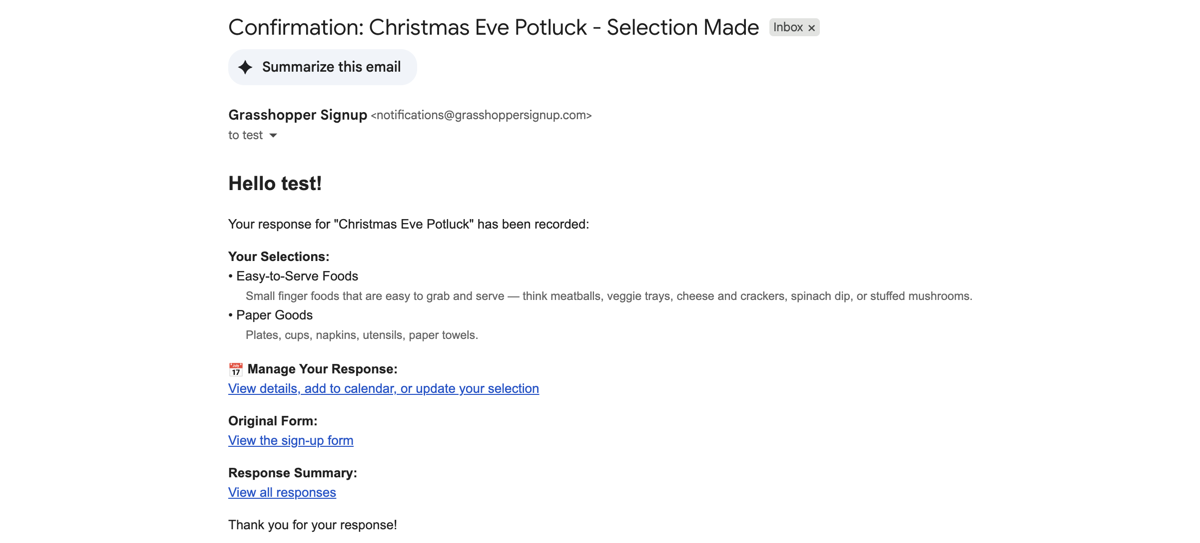
Add text descriptions to options to provide additional detail for respondents. You can enable Option Descriptions in the Advanced Settings on the Edit page of your form.
Steps:6
StepHopper User
StepHopperhttps://www.stephopper.com/
1
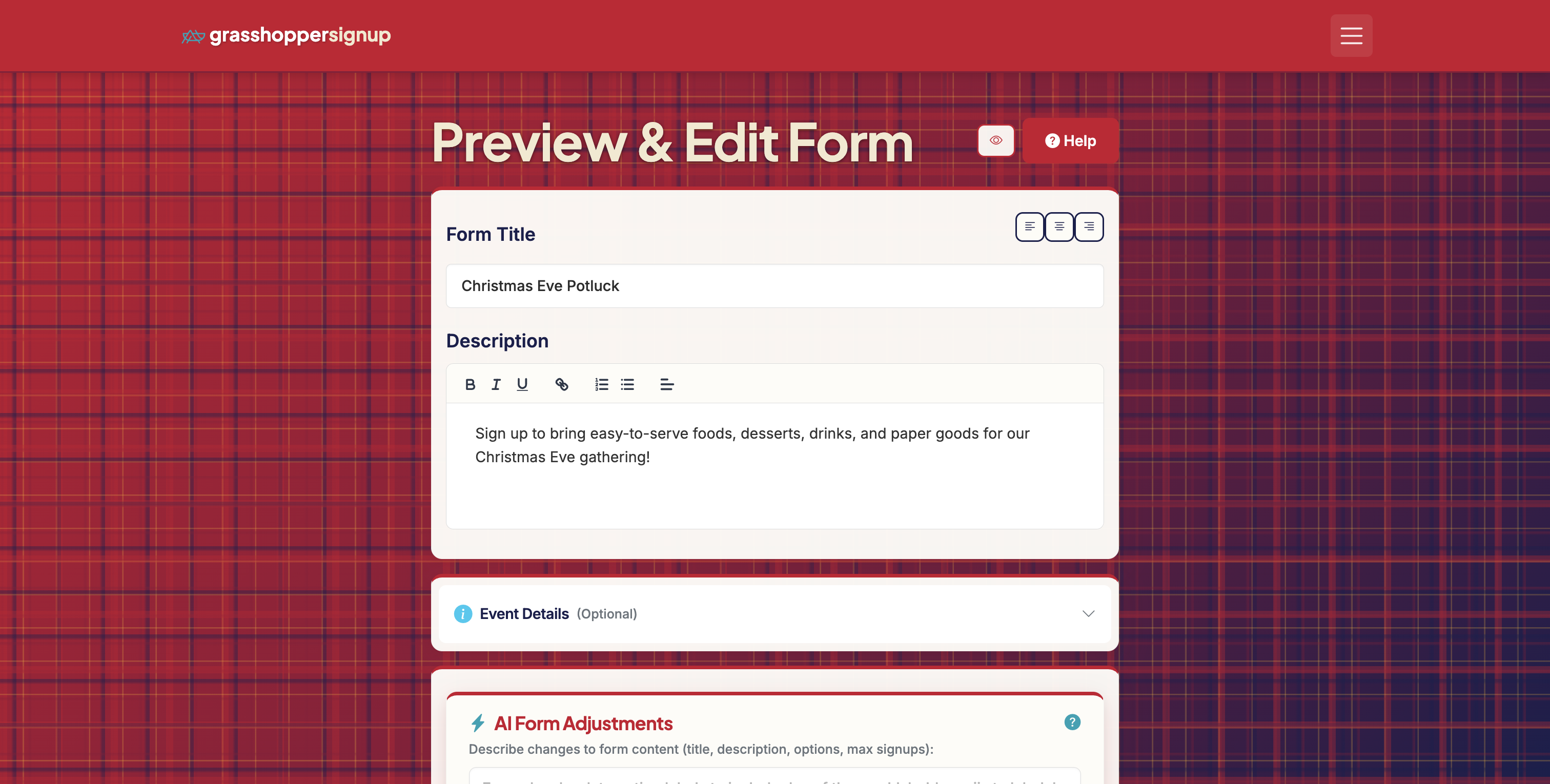
Start on the Edit Page of your form.
2
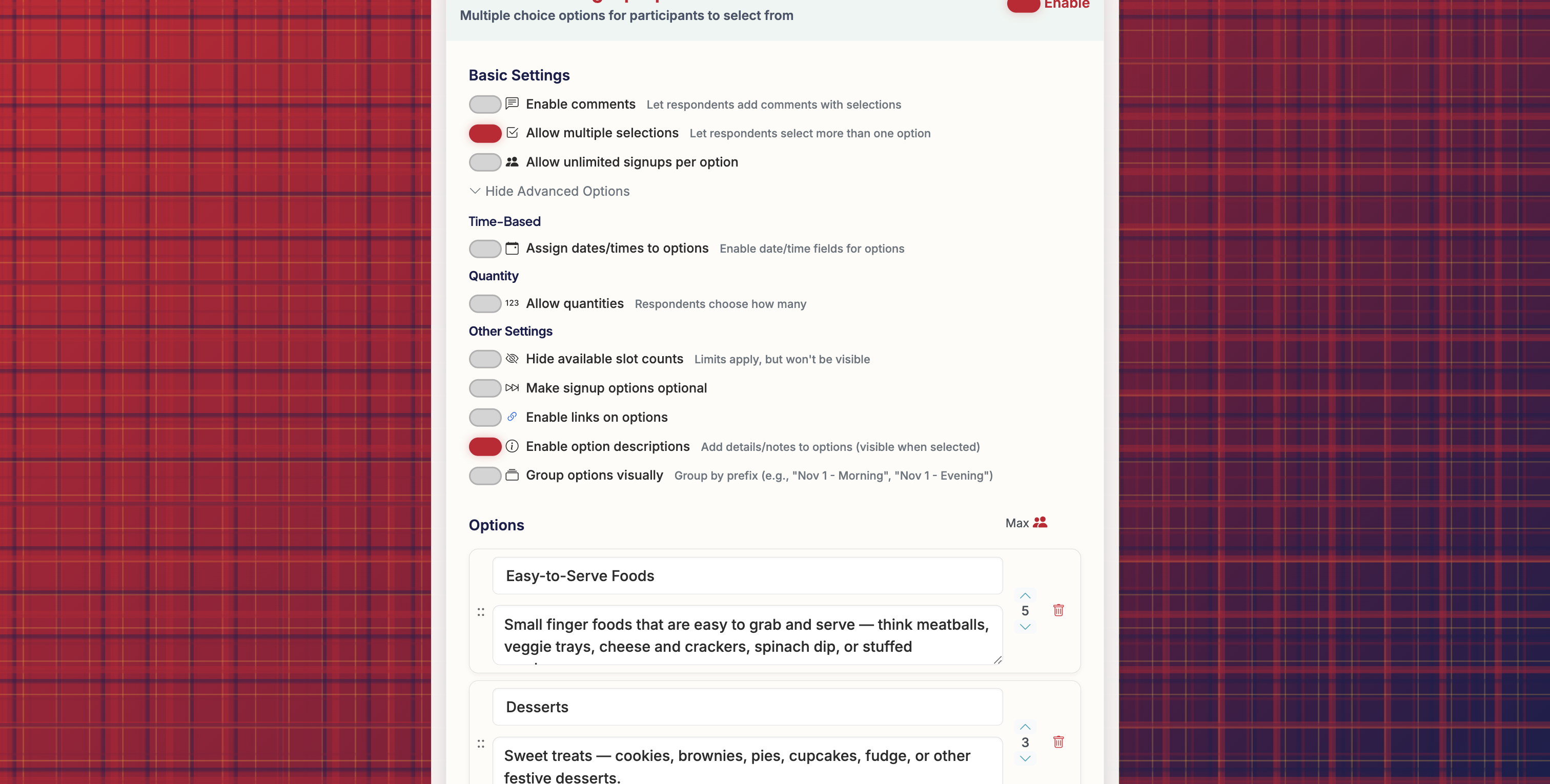
Expand the Advanced Options and click to 'Enable option descriptions'. This will create option description fields for each option.
3
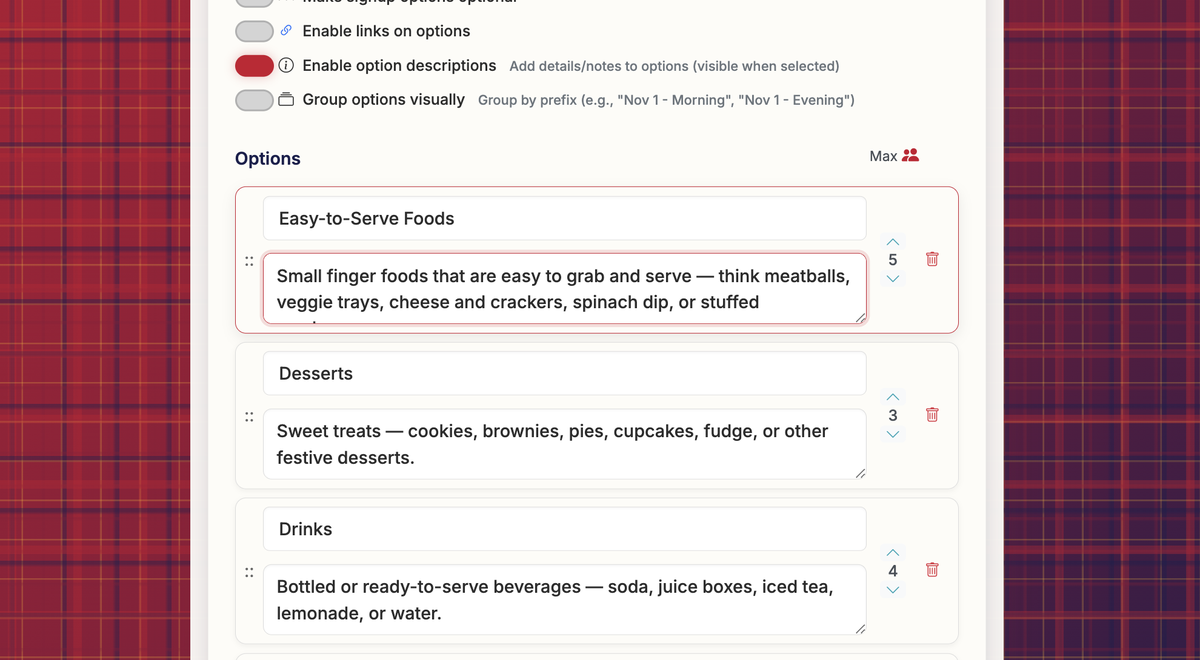
Add option descriptions for options where you want to provide additional information. These will display on the form when users select the option.
4
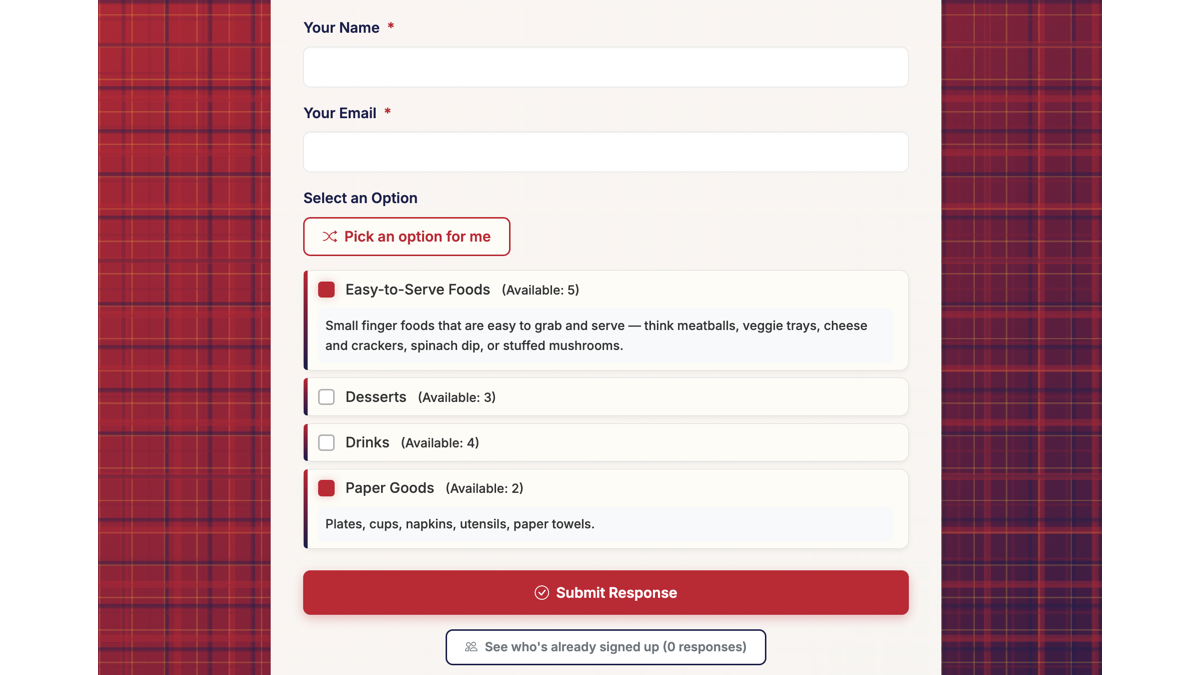
When respondents view your form, they will see option descriptions when they select an option that includes a description. Option descriptions will also be included on their form Submission page and in the email confirmations.
5
Email confirmations include option descriptions with each option selected for reference.
6
You can view a link to a form that includes option descriptions here: https://grasshoppersignup.com/respond/8b6baa20-eea9-404f-94d6-1bba39dc1d94